Procore Alternatives: What Options Should a Contractor Consider in 2026?


Updated in April 2026
The construction industry is changing fast, and the tools contractors rely on for construction project management are changing with it.
It’s a common thing to look for solutions that better match their workflows and budgets, especially when the business is growing. Many teams that once depended on Procore may now also rethink their software stack.
While Procore has long been a popular choice, it’s not always the best fit for every contractor. As businesses scale, it’s useful to explore some alternative solutions to match the workflows of your construction business.
In this blog article, I will explore some of the top Procore alternatives and help you identify which option may be the right fit in a competitive construction market.
Table of Contents
- What May Go Wrong with Procore?
- Evaluation Criteria
- What Are the Best Procore Alternatives?
- How to Choose The Best Construction Management Software
- Final Thoughts

What May Go Wrong with Procore?
While Procore has established itself as a popular construction project management software, there are several compelling reasons why individuals and organizations might consider exploring alternative options.
Different construction projects have unique requirements, and a one-size-fits-all solution may not always be the best fit. That means not all project management software solutions are created equal.
Before considering alternatives, let’s break down the pros and cons of using Procore.
Procore Pros
Solid Platform: Procore unifies project management, document control, scheduling, and financials under one roof.
Strong Estimating: Teams can build estimates covering labor, materials, and specialty work, giving project owners thorough cost visibility before breaking ground.
Recommended reading:
Enterprise Scalability: The platform is designed for organizations managing large volumes of projects simultaneously.
Procore Cons
Recent reviews suggest that these strengths come with notable trade-offs.
Oversized Pricing Model: Procore is often too expensive for general contractors due to its volume-based pricing structure. Because the cost is calculated based on a company’s total annual construction volume, the pricing becomes overwhelmingly high as a company grows.
This means that the more projects a contractor takes on, the more expensive the software becomes. Therefore, companies, even mid-sized ones, are often forced to seek more predictable, flat-fee alternatives.
Steep Learning Curve: The platform’s extensive feature set often results in a cluttered interface and unintuitive navigation. For many teams, the complexity of the software slows down everyday tasks rather than speeding them up. There may be a long and difficult adoption period for field staff and subcontractors.
Unpredictable Service Quality: While Procore aims to simplify oversight, the actual user experience and quality of customer support can vary widely. Users frequently report inconsistencies in how issues are resolved.
Procore is prohibitively expensive and, while marketed to specialty contractors, is very clearly geared to the general contractors. I also find the website incredibly inefficient in how it is coded. Almost every action requires a full page reload and you can’t preview PDF files forcing downloads on the regular.” Graham S., G2
“Procore is by far, the most expensive solution that we reviewed. While it more than ticked the tickboxes in terms of functionality, the value for money just wasn’t there and ultimately, we went with another solution.” John, Capterra
Evaluation Criteria
The list of alternatives is based on a combination of real user feedback from platforms like G2 and Capterra.
Beyond user sentiment, the selection focuses on what construction teams truly need when looking for an alternative to Procore. It’s not only about having similar features, but about how well each platform supports the full scope of construction operations.
Key considerations include:
All-in-one capability: The software can handle the entire construction lifecycle.
Suitability for different business sizes: How well the platform serves small contractors, growing teams, and enterprise-level companies.
Construction-specific functionality: The presence of essential features like bid management, submittals, scheduling, and field collaboration that are critical for real construction projects.
Pricing: If the construction software offers a more transparent pricing model, which is not too expensive for the contractor.
This approach ensures the list includes a balanced mix of solutions, including comprehensive all-in-one platforms and job management-focused tools.
What Are the Best Procore Alternatives?
Based on the criteria mentioned above, I listed the following tools that can be an alternative to Procore.
Buildern
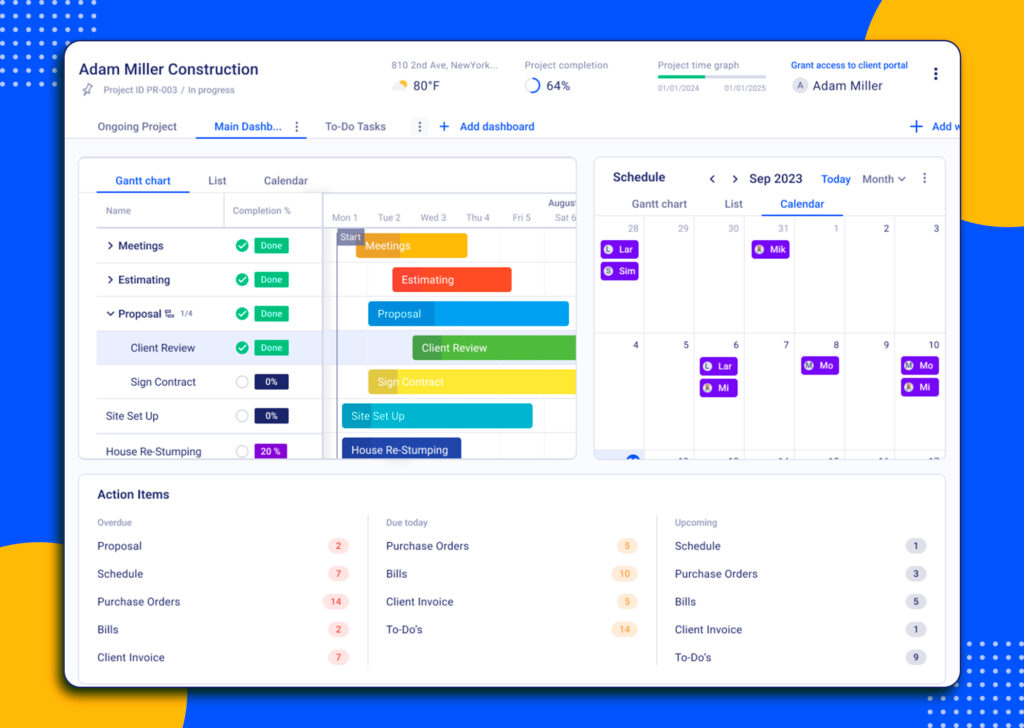
Buildern is an all-in-one construction project management software for residential and commercial contractors. It stands among the Procore alternatives as a tool with a range of features and with a transparent and affordable pricing policy.
Overview
Buildern provides tools for residential and commercial contractors for any stage of the construction process, from preconstruction and estimating to scheduling, financials, and communication. It is positioned as a comprehensive solution for contractors who want to manage operations within a single system rather than relying on multiple tools.
Strengths
- Covers the full construction workflow, including estimating, scheduling, bid management, and financial tracking
- Strong integration between modules (estimates → budgets → schedules)
- Two-sync accounting integration (QuickBooks, Xero)
- Advanced job costing features that allow contractors to track real project expenses against budgets in real time
- Flexible handling of markups and allowances, enabling accurate pricing, margin control, and better financial forecasting
- Buildern accurately calculates taxes based on job location and applicable tax regulations (US, UK, Australia)
- Built-in communication with such features as dedicated portals for clients, subcontractors, and vendors, built-in messaging
Limitations
It may be less tailored for highly complex infrastructure or large-scale enterprise projects with advanced coordination requirements.
Pricing
Buildern follows a transparent pricing approach. There are three plans, with the Starter from $225 if billed annually. The platform is free to use for key external and operational participants, including field workers, clients, subcontractors, and vendors.
Ratings
Capterra 4.9/5
G2 4.9/5
Buildern’s ratings across review platforms such as Capterra and G2 can generally be characterized as strong and positively trending, especially for a newer-generation construction management platform.
AccuLynx
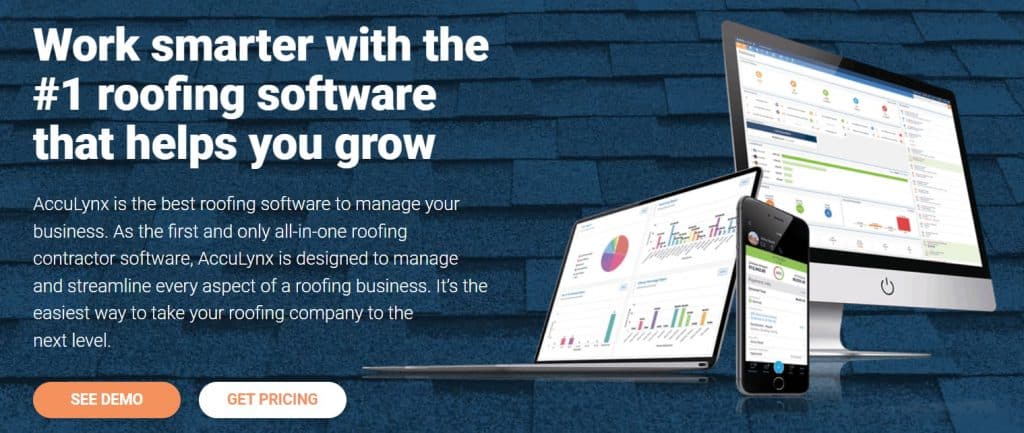
AccuLynx is for roofing contractors. It provides an integrated set of tools that cover project management, customer relationship management (CRM), estimating, and job tracking within a single system.
While it offers a well-rounded solution within its niche, its specialization makes it more suitable for roofing contractors than for general construction firms managing diverse project types.
Strengths
- Purpose-built for roofing contractors, with features tailored to industry-specific workflows
- Combines CRM, estimating, and project management in one platform
- Helps streamline lead tracking, sales, and job management
- Centralized system improves visibility across roofing projects and customer interactions
Limitations
- Limited applicability outside the roofing industry, making it less suitable for general contractors
- Lacks broader construction management features needed for diverse project types
- May require additional tools to manage non-roofing projects or company-wide operations
- Specialization can lead to data fragmentation if multiple platforms are used alongside it
- Not ideal for firms seeking a fully comprehensive, all-in-one construction management solution
Ratings
Capterra
G2
Pricing
Pricing is upon request.
Oracle Aconex
Overview
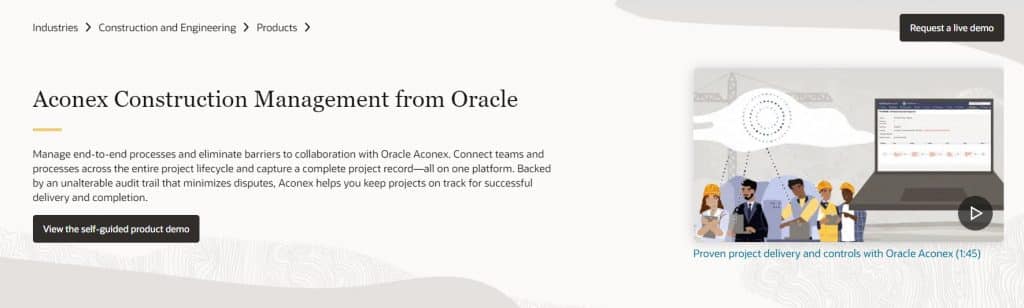
Oracle Aconex is an enterprise-grade construction management platform designed for large, complex projects involving multiple stakeholders, with a strong focus on document control and collaboration.
Strengths
- Strong document management and model coordination, helping teams maintain a single source of truth across complex project data
- Designed specifically for large-scale, multi-party construction projects involving multiple stakeholders and disciplines
- Reliable collaboration tools that support communication and coordination across large, distributed teams
Limitations
- High system complexity, which can make navigation and daily usage challenging for new users
- Requires a longer onboarding period before teams can fully utilize its advanced functionality
- May be overly complex for small to mid-sized projects that do not require enterprise-level coordination tools
- Pricing and implementation costs can be high, making it less accessible for smaller contractors or growing firms
Pricing
Oracle Aconex pricing is also available upon request.
Ratings
Capterra 4.6/5
G2 4.2/5
Generally rated well for large-scale project management, though usability can be a concern.
Fieldwire

Strengths
- Strong drawing management and task coordination capabilities, with a particular focus on mobile usability for field teams
- Intuitive and easy-to-use interface, allowing foremen and on-site teams to adopt the tool quickly with minimal training
- Effective communication between the field and the office, helping ensure that teams are working with up-to-date information and are aligned on tasks
- Well-optimized for on-site execution, including task tracking, issue management, and real-time updates from the field
Limitations
- Limited financial management and accounting capabilities, requiring integration with other tools for full cost control
- Primarily focused on field operations, making it less suitable as a complete end-to-end construction project management solution
- May not provide the depth needed for preconstruction, estimating, or advanced project planning workflows
- Larger or more complex projects may require additional platforms to cover gaps outside of field management
Pricing
The annual fee starts from $39 per user if billed annually.
Ratings
Capterra 4.6/5
G2 4.5/5
Projectmates
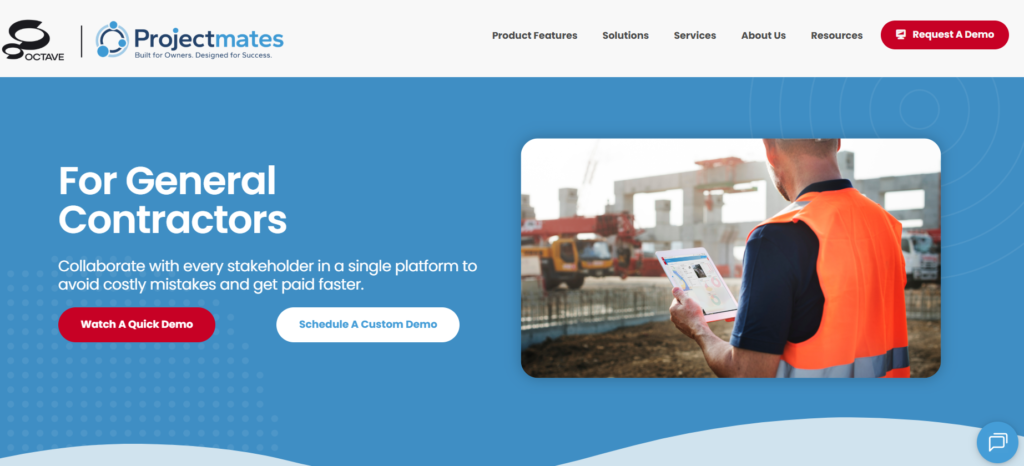
Projectmates is a construction program management software for owners and organizations managing large capital projects. It is widely used across industries such as retail, real estate, healthcare, and government, where structured oversight of multiple projects is required.
Strengths
- Strong collaborative planning and project coordination features that support communication between multiple stakeholders
- Well-suited for capital project and program management, including tracking of large-scale capital improvement programs (CIPs)
- Centralized platform for managing budgets, documents, and project workflows across multiple initiatives
Limitations
- Primarily built for commercial and capital projects, making it less suitable for small residential or single-project contractors
- Steep learning curve due to its extensive feature set and complex navigation
- Onboarding can take time, especially for teams new to program management systems
- May be overly complex for users who do not require enterprise-level project oversight
Ratings
Capterra 4.2
G2 4.3
Pricing
Only the demo request is available on the website.
CMiC Construction Platform
Overview
The CMiC Construction Platform is a Procore alternative as it helps contractors manage both project execution and financial operations for complex projects.
Strengths
- Comprehensive enterprise-level platform combining project management and financial control
- Strong accounting and financial management capabilities tailored for large construction firms
- Centralized system that supports project tracking, resource allocation, and cost control
Limitations
- High system complexity, which can make onboarding and daily use challenging for new users
- Primarily suited for large enterprises, making it less practical for small or mid-sized contractors
- Implementation and configuration can require significant time and resources
- Higher cost structure compared to many mid-market alternatives
Pricing
Pricing is not publicly available. Interested users must submit a request and receive a customized quote from the sales team, which limits upfront pricing transparency
Ratings
Capterra 4.2/5
G2 3/4/5
Recommended reading:
UDA ConstructionOnline

Overview
UDA ConstructionOnline is a cloud-based construction project management and collaboration platform that provides tools for document management, scheduling, communication, and overall project coordination.
Strengths
- Centralized document management system that supports organized file storage, sharing, and version tracking
- Includes scheduling and project planning tools to help teams manage timelines effectively
- Strong communication features that improve coordination between office and field teams
Limitations
- Interface is often described as outdated, which can make navigation less intuitive for new users
- Steeper learning curve compared to more modern, simplified platforms
- Can feel complex due to the breadth of features, especially for smaller teams
- User experience may feel less streamlined in day-to-day workflows
Pricing
UDA ConstructionOnline uses a tiered pricing structure that varies based on project type and company size. Pricing is not one-size-fits-all, as it differs between residential and commercial plans. For example, residential plans start from approximately $475/month, while commercial ones start from $650.
Ratings
Capterra 4.5/5
G2 4.5/5
Autodesk Construction Cloud
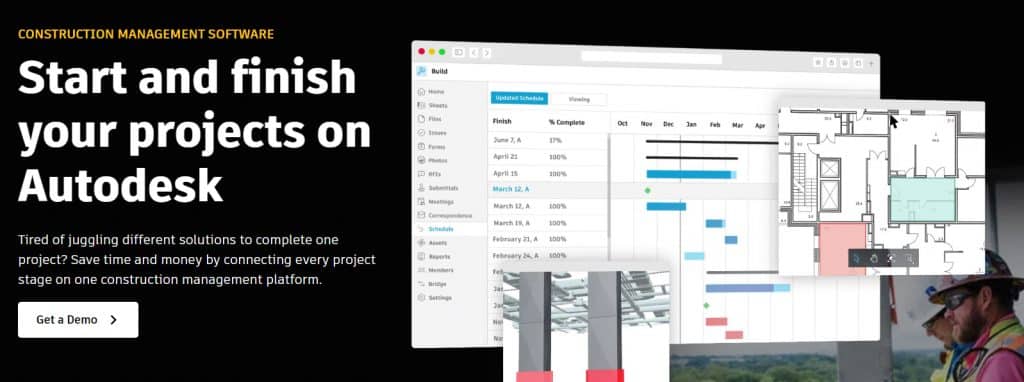
Autodesk Construction Cloud is a comprehensive suite of construction management and collaboration tools. The focus is on architects, engineers, contractors, and other construction professionals. It brings together several previously separate products, including ProEst and Forma Takeoff into a unified ecosystem.
Strengths
- Strong ecosystem for design, engineering, and construction collaboration
- Integration with BIM workflows and digital design tools with comprehensive document management and project coordination capabilities
- Widely adopted across the architecture, engineering, and construction industries
Limitations
- Complex product structure due to multiple integrated tools and rebranding over time
- Steeper learning curve, especially for users new to Autodesk’s ecosystem
- Performance issues may occur with large or highly detailed projects, including slow loading times
- Occasional mobile app glitches reported by users
- Can feel overwhelming for teams that only need basic project management functionality
Pricing
Autodesk Construction Cloud follows a modular pricing model, where costs vary depending on the selected products, features, and level of usage. Pricing is not publicly listed and is available upon request.
Ratings
Capterra 4.3/5
G2 4.4/5
This is the average rating, but individual ratings may vary between different Autodesk tools.
RedTeam Go
Overview
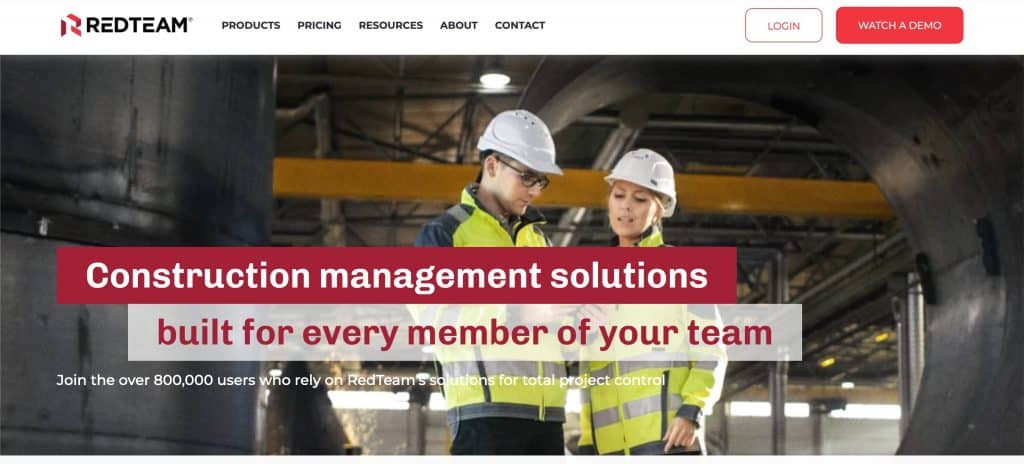
RedTeam Go is an integrated construction management platform that supports the full project lifecycle for general contractors, construction managers, and specialty trades.
Strengths
- Construction management covering preconstruction, execution, and project close-out
- Support for bidding and subcontractor management workflows
- Designed to support general contractors, construction managers, and specialty trades
- Helps centralize project data and improve coordination across multiple stakeholders
Limitations
- Pricing structure can become costly as project volume increases, particularly under usage-based models
- May require time to fully configure and adapt to company-specific workflows
- Better suited for structured construction environments, less ideal for very small or simple projects
- As an enterprise-focused platform, it may feel complex for teams seeking lightweight tools
Pricing
Costs typically depend on company size, number of users, and selected features. Pricing is available upon request.
Ratings
Capterra 4.3
G2 4.1/5
How to Choose The Best Procore Alternatives
When it comes to choosing among Procore alternatives, you want to ensure that you make the right choice for your needs. To help you in this process, here are six tips that will guide you toward selecting the perfect software to upscale your construction projects:
1. Lay a Strong Foundation
Before diving into different options, take the time to clearly define your project requirements, objectives, and budget. Just like a well-planned blueprint sets the stage for a successful construction project, having a clear understanding of your needs will guide your software selection process.
2. Collaborate with the Internal Team
Experienced construction teams collaborate to make critical decisions. That said, consider involving your project managers, supervisors, and other key team members in the software selection process. \
Their insights and perspectives will provide valuable input and ensure that the software meets the needs of your entire construction team.

3. Measure Twice, Choose Once
Don’t rush into a decision without evaluating multiple software options. Just as a skilled craftsman double-checks measurements before cutting materials, take the time to research and compare different software providers.
Look for features such as document management, scheduling, budget tracking, collaboration tools, and mobile accessibility to ensure they align with your project goals.
4. Nail Down User-Friendliness
The best construction project management software should be as intuitive as a skilled carpenter’s hand guiding a hammer.
Ensure that the software is user-friendly and offers a smooth learning curve for your team. Look for clear navigation, comprehensive training resources, and responsive customer support to avoid any hiccups along the way.
5. Opt for Third-Party Integrations
Construction projects involve numerous moving parts, just like a complex puzzle. Ensure that the software you choose can integrate seamlessly with other tools and software your team relies on.
For example, accounting integration is crucial for keeping financial workflows in order. It’s important to ensure your construction software can connect seamlessly with your accounting systems.
6. Lay a Solid Groundwork for Scalability
Consider the future growth of your construction projects and select software that can accommodate your expanding needs.
Like a well-built foundation that supports future additions, choose a scalable solution that allows you to add more projects, users, and features as your business grows. This will save you from the hassle of switching software down the line.
Final Thoughts
Choosing the right construction project management software is more than picking a popular name.
While Procore has long been a leading option, exploring its alternatives allows contractors to find platforms that better fit their project types, budgets, and operational needs. When evaluating software, consider not only features but also usability, support, integration capabilities, and scalability.
Additionally, think about the future: choose a solution that can grow with your business and accommodate more projects, constantly adding new features and upgrades.